
Live TVSports, movies & series in one plan
Premium IPTV Subscription Packages in HD & 4K
Buy a premium IPTV subscription from Flixnivo and get 38,000+ live channels and 180,000+ movies and series in HD, Full HD and 4K. Choose a plan for 1, 3, 6 or 12 months, set it up on your TV, phone or streaming stick, and start watching your favourite sports, news and shows.
- 10-day refund policy
- 24/7 human support
- Available worldwide
Billed $64.99 once for 12 months. Monthly plans also available.
- TV guide (EPG) and catch-up
- Anti-freeze servers for live channels
- Xtream Codes and M3U login included
Simple pricing, one device per plan
IPTV Subscription Packages and Prices
Every premium IPTV subscription plan includes the full package: live TV channels, live sports and PPV events, movies and series on demand, and a full TV guide (EPG). Pick the plan that suits you and start streaming on the device you already own.
1 Month
- 38,000+ live channels
- 180,000+ movies & series (VOD)
- All live sports & PPV events
- Full TV guide (EPG)
- HD, Full HD & 4K streams
- Anti-freeze servers
- Automatic content updates
- Works on all devices & players
- Fast activation & setup guide
- 24/7 customer support
3 Months
- 38,000+ live channels
- 180,000+ movies & series (VOD)
- All live sports & PPV events
- Full TV guide (EPG)
- HD, Full HD & 4K streams
- Anti-freeze servers
- Automatic content updates
- Works on all devices & players
- Fast activation & setup guide
- 24/7 customer support
6 Months
- 38,000+ live channels
- 180,000+ movies & series (VOD)
- All live sports & PPV events
- Full TV guide (EPG)
- HD, Full HD & 4K streams
- Anti-freeze servers
- Automatic content updates
- Works on all devices & players
- Fast activation & setup guide
- 24/7 customer support
12 Months
- 38,000+ live channels
- 180,000+ movies & series (VOD)
- All live sports & PPV events
- Full TV guide (EPG)
- HD, Full HD & 4K streams
- Anti-freeze servers
- Automatic content updates
- Works on all devices & players
- Fast activation & setup guide
- 24/7 customer support
Our recommendation
Try Flixnivo on your own screen first
We highly recommend requesting a 24-hour trial before choosing a paid plan. It lets you see the picture quality, explore the channel list and enjoy a live match on your own TV, streaming stick or phone, exactly the way you will watch every day.
When you are happy with what you see, simply upgrade your trial to the plan you like. It only takes a quick message to our team.
Request my 24-hour trial- Keep the same login if you upgradeIf you choose a plan after your trial, your login stays the same, so your app and favourites remain exactly as you left them.
- Prefer a new login?Just ask our team when you upgrade and we will send fresh details.
- 10-day refund policyEvery paid plan comes with a 10-day refund policy for extra peace of mind.
IPTV explained
What Is an IPTV Subscription Service?
An IPTV subscription service is a paid plan that delivers live TV channels, movies and series over your internet connection instead of a cable or satellite line. Once you order, your own username and password unlock everything inside a simple player app, so you can stream on the screen you prefer, from a Smart TV or Fire TV Stick to a phone or laptop.
How an IPTV Package Works
Forget satellite dishes, set-top boxes and waiting for an installer. Your home internet and a screen you already have are enough to get started.
- 1 Choose your planPick a 1, 3, 6 or 12 month plan and pay once. Nothing renews automatically.
- 2 Receive your login detailsWe send your Xtream Codes login (username, password and server URL) or an M3U playlist link to your WhatsApp or email.
- 3 Add them to an IPTV playerEnter the details in a player app on your device and your channels, movies and TV guide load automatically. Our installation guide walks you through every popular device.
IPTV Channels and Features in Every Plan
Every plan includes the same four features, whichever length you choose.
IPTV Subscription vs Cable and Satellite TV
Here is how the two compare on price, commitment and the screens you can use.
Flixnivo IPTVCable or satellite
| Compare | Flixnivo IPTV | Cable or satellite |
|---|---|---|
| Monthly cost | From $5.42 a month on the 12 month plan | Often higher, with extra charges for equipment |
| Contract | No contract and no automatic renewal | Often a 12 to 24 month contract with early exit fees |
| Setup | Install a player app and sign in | Dish, cabling or a technician visit |
| Where you watch | Smart TV, Fire TV Stick, phone, tablet, PC and more | Mainly the TV connected to the provider's box |
| Content | 38,000+ live channels and 180,000+ on-demand titles | Fixed channel packages, with premium channels sold separately |
| What you need | A stable connection, around 20 Mbps for HD | A cable line or a dish with clear line of sight |
Want to see it on your own TV first? Request a free 24-hour trial.
Find your plan
Which IPTV Package Is Right for You?
The answer depends on two things: how much TV your household watches and how long you plan to use the service. Start with the profile that sounds most like you.
New to IPTV
First time streaming TV over the internet? A single month is a relaxed way to explore the channel list, the movie library and the app on your favourite screen before you think about anything longer.
Best fit1 Month · $14.99Short stays and holidays
Spending a season abroad, home for the holidays or following one big tournament? Three months lines up neatly with your stay or competition, without paying for time you will not use.
Best fit3 Months · $10.00/moSports fans
From the opening fixture to the final whistle, a league runs for months. Six months keeps every match day and fight night within reach for the whole campaign.
Best fit6 Months · $6.67/moFamilies and daily viewers
Morning news, cartoons after school, a film once the kids are in bed. When the TV hardly gets a day off, twelve months is the plan that works hardest for your home.
Best fit12 Months · $5.42/mo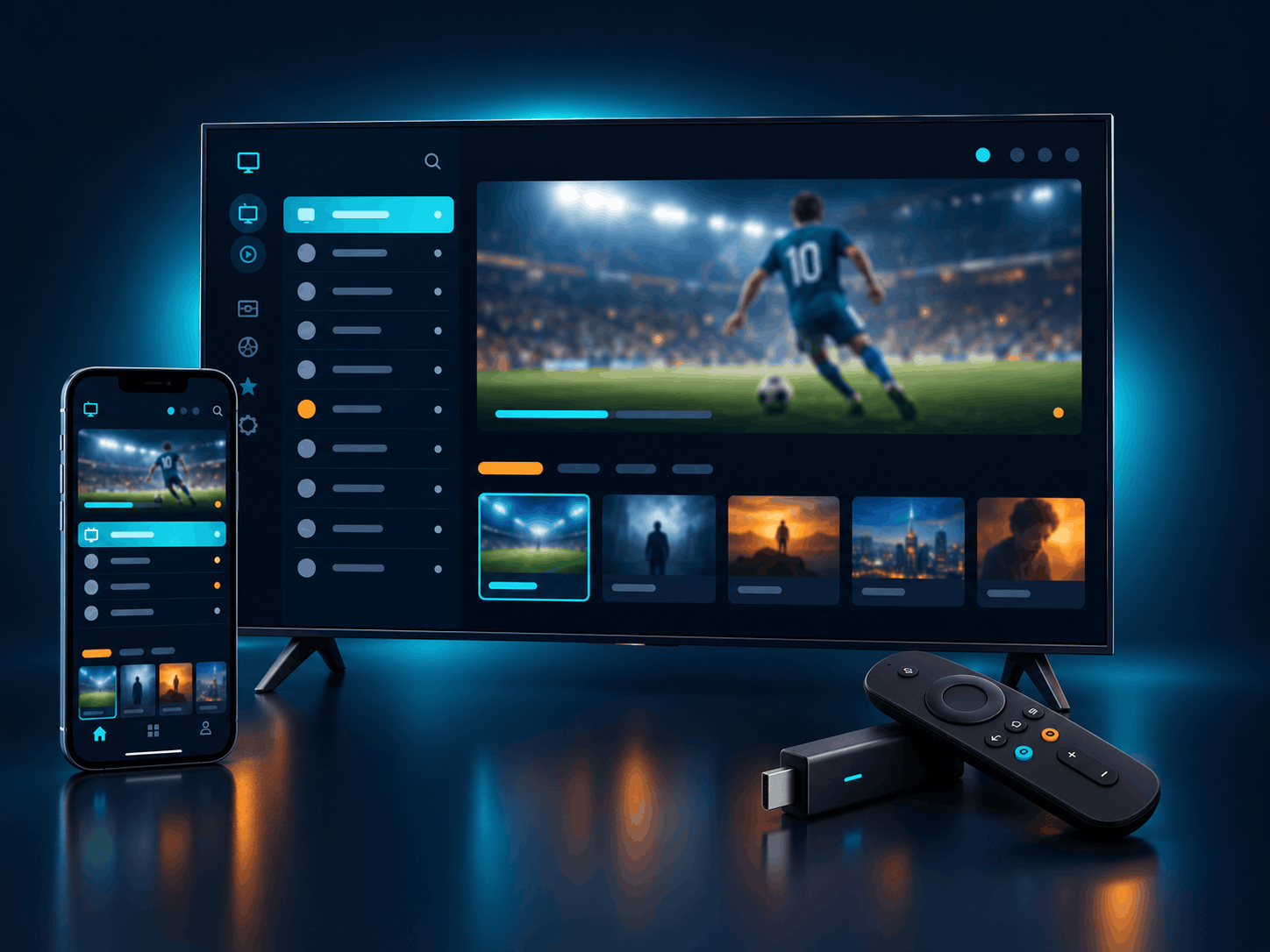
Works on every screen
Premium IPTV Subscription for Smart TV, Fire TV Stick and More
One Flixnivo login runs on the streaming devices and IPTV players people use most, from big-screen TVs to the phone in your pocket. Pick yours below and our step-by-step installation guide shows exactly where to tap.
- Firestick & Fire TVAll Fire OS models
- Samsung & LG Smart TVTizen and webOS
- Android TV & boxesGoogle TV, Nvidia Shield
- iPhone, iPad & AndroidPhones and tablets
- Windows & MacDesktop players
- MAG box & Apple TVPortal and app setup
Internet Speed You Need for HD and 4K IPTV
Every channel reaches you through your home broadband, and a stable line beats a fast but patchy one. Check your plan against these figures for the quality you want to watch in.
| Quality | Recommended speed | Good for |
|---|---|---|
| SDStandard | 10 Mbps | Phones, slower lines |
| HD720p | 20 Mbps | Most TVs and sticks |
| FHD1080p | 30 Mbps | Large screens, live sports |
| 4KUltra HD | 50 Mbps | 4K TVs and devices |
Tips for Smooth IPTV Streaming
A few quick tweaks at home can lift picture quality more than a faster plan.
- Use a cable when you canPlug the TV or box into the router with a network cable, or switch to the 5 GHz Wi-Fi band, so big matches stay sharp.
- Keep your player updatedNew versions of your player app open channels quicker and show the TV guide more reliably, so install updates when they appear.
- Match quality to your speed4K shines on a 50 Mbps line or faster. On slower connections, set that channel to Full HD for a smooth, crisp picture.
Buyer's guide
How to Choose a Reliable IPTV Service
With so many IPTV services to pick from, a few simple checks make the choice much easier. Here is what to look at so the service you choose fits your home, your screen and the way you like to watch.
6 Things to Check Before You Buy an IPTV Service
Each point explains why it matters and how to check it yourself, no technical knowledge needed.
- The channels you love Coverage matters more than a big total. Make sure the line-up includes your home country's channels, the leagues you follow and shows in your language. How to checkAsk for the channel categories for your country, or browse them during a trial.
- A clear device limit Every IPTV login covers a set number of screens at the same time. Knowing this up front helps you choose a plan that suits your household. How to checkLook for the number of devices listed on each plan.
- A chance to try it first Every home has its own TV, app and broadband. A short trial on your own screen gives you a real feel for the picture quality and how fast channels switch. How to checkSee whether a trial is offered before you place an order.
- A published refund policy A written policy lays out the time limit and conditions in plain words, so you know exactly where you stand from day one. How to checkRead the refund page on the website before you pay.
- Friendly, reachable support Quick and clear answers before you buy are a good sign of the help you can count on later, whether it is a setup question or a new device. How to checkSend one question and see how quickly and clearly the team replies.
- Works with your favourite app Most IPTV players accept an M3U link or an Xtream Codes login. A good service runs smoothly in your chosen player, with the TV guide (EPG) loading inside it. How to checkLook for setup steps written for your exact device.
Signs of a Trustworthy IPTV Provider
These qualities usually point to a service that is built to last and puts viewers first.
-
Plans with a clear lengthFixed periods such as 1, 3, 6 or 12 months show a provider that plans for steady, long-term service.
-
Freedom to start smallYou can begin with a short plan or a trial and move to a longer one whenever you feel ready.
-
Only the details it needsOrdering takes little more than a way to reach you, with no ID copies or account passwords involved.
-
Honest, realistic promisesA good provider explains how it supports you along the way, rather than promising a flawless stream forever.
IPTV Subscription Questions, Answered
How do I buy an IPTV subscription from Flixnivo?
Buying your plan takes four simple steps:
- Choose your plan: browse the four plan lengths in the pricing section and decide which one suits you.
- Get in touch on WhatsApp or by email and tell us which plan you would like.
- Receive your invoice: our support team sends you a payment invoice for the plan you chose.
- Get your login and start watching: once the invoice is paid, your login details arrive in the same chat or inbox, and our team guides you through the setup until everything is running on your device.
When do I receive my IPTV login details?
Your login details are sent as soon as your invoice payment is confirmed. They arrive in the same WhatsApp chat or email thread you ordered from, together with simple setup steps for your device.
Can I use one IPTV subscription on multiple devices?
Yes, you can sign in on several devices, such as your Smart TV, phone and laptop, but only one device can stream at a time. If you want to watch on two screens at the same moment, for example in the living room and the bedroom, simply buy a separate subscription for the second screen.
Do all IPTV subscription packages include the same channels and features?
Yes. Every package gives you the full live TV line-up, the movie and series library, the TV guide (EPG) and HD, Full HD and 4K streams where available. The only thing that changes from one package to another is how long your access lasts.
Can I upgrade my trial to a paid plan?
Yes. When you are happy with your trial, just message our team with the plan you want. Your trial login can be upgraded directly, so your app and favourites stay exactly as they are. If you would rather start fresh, ask for a new login instead.
What happens when my IPTV subscription expires?
Your service simply stops at the end of the plan, and nothing renews automatically, so you are never charged without asking. Whenever you decide to renew, we extend the same login, which means your existing setup keeps working with no need to install anything again.
What do I need to watch IPTV at home?
You only need three things:
- A device such as a Smart TV, Fire TV Stick, Android box, phone or computer
- An IPTV player app that accepts an M3U link or Xtream Codes login
- A steady internet connection, around 20 Mbps for HD and 50 Mbps for 4K
The device and speed guide above has more detail.
Can I order an IPTV subscription from any country?
Yes. Flixnivo is available worldwide, so you can order, activate and watch your IPTV subscription from any country, whether you are at home, living abroad or travelling.
What is your refund policy?
You can ask for a refund within 10 days of your purchase. All conditions are explained on our refund policy page, so we suggest reading it before you order.
Get Your IPTV Package Today
Choose the package that suits you and bring a premium IPTV service home, with live sport, films and series in up to 4K on the screen you already use.